I wanted to share 2 Medium articles I wrote. The first one I created after lecture 1 and attempts to predict whether the stock market will move up or down.
The second article follows from lecture 4 where I use embeddings for the Store Item Demand Forecasting kaggle competition.
So after lesson 3 and some trouble working with the data, I created a landmark detection model for cat facial features using this cat dataset from kaggle. And I am pretty satisfied with my work, guess I could do better, but I think I must move on with the lessons haha
I would like to take this opportunity and point out some things that I came across along the way:
Applying any kind of transform worsened the performance of my model by quite a lot. I guess that makes some sense since when you are taking the picture of cat you are mostly putting its face on the center of the picture, so rotating and mirroring shouldn’t improve.
I have my doubts about this hypothesis, and is something I might try to understand further later.
Basically running more epochs did a lot of the trick, but not too much. Very few (less than 15) my model ended really bad, but a lot (More than 30) made things worse. There was a lot of trying and error
I assembled 1965 images of company’s logos and info from the Russell 2000 stock index and put in 6 classes based on how well the stock did.
I used notebook 1, lesson 1. It overfit horribly but sharing anyway just because it took so long to build the dataset (maybe somebody will offer me a job based on my scraping and dataset building skills - (I’m a full stack MERN dev as well)) …AND I still think there is something correlated to executive names, company names, and logos and the company’s success. Maybe I could try putting the 1965 companies in different classes and try different models, but I don’t feel like sinking anymore time into this project right now. Maybe there is something obviously wrong with it you can spot. Now wondering if the images were ‘RGBA’ but should be ‘RGB’ or there is a technical hang up keeping it from training properly.
Tried sorting into classes by profit margin as well. Overfit again.
Maybe I need a different sort of model.
The Resnet models overfit pretty quickly.
Hi Everyone,
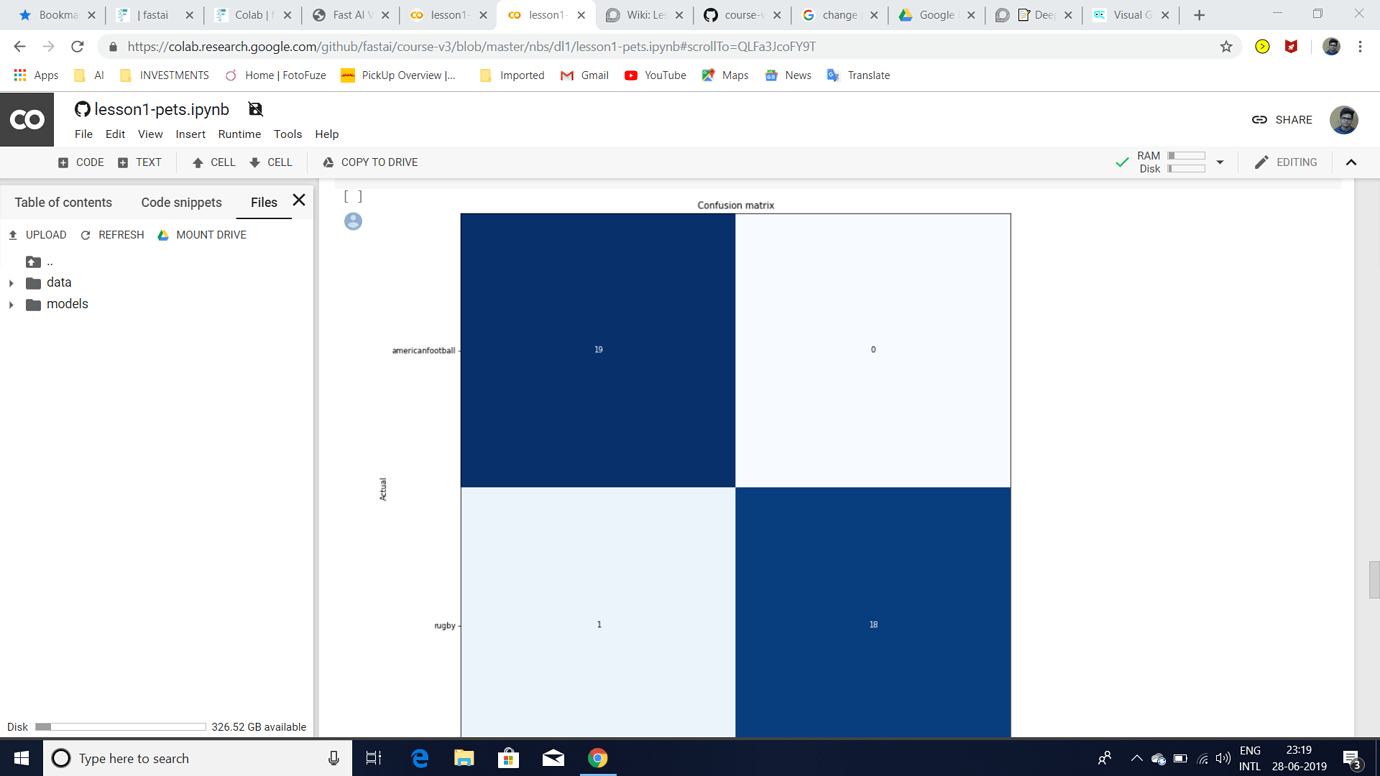
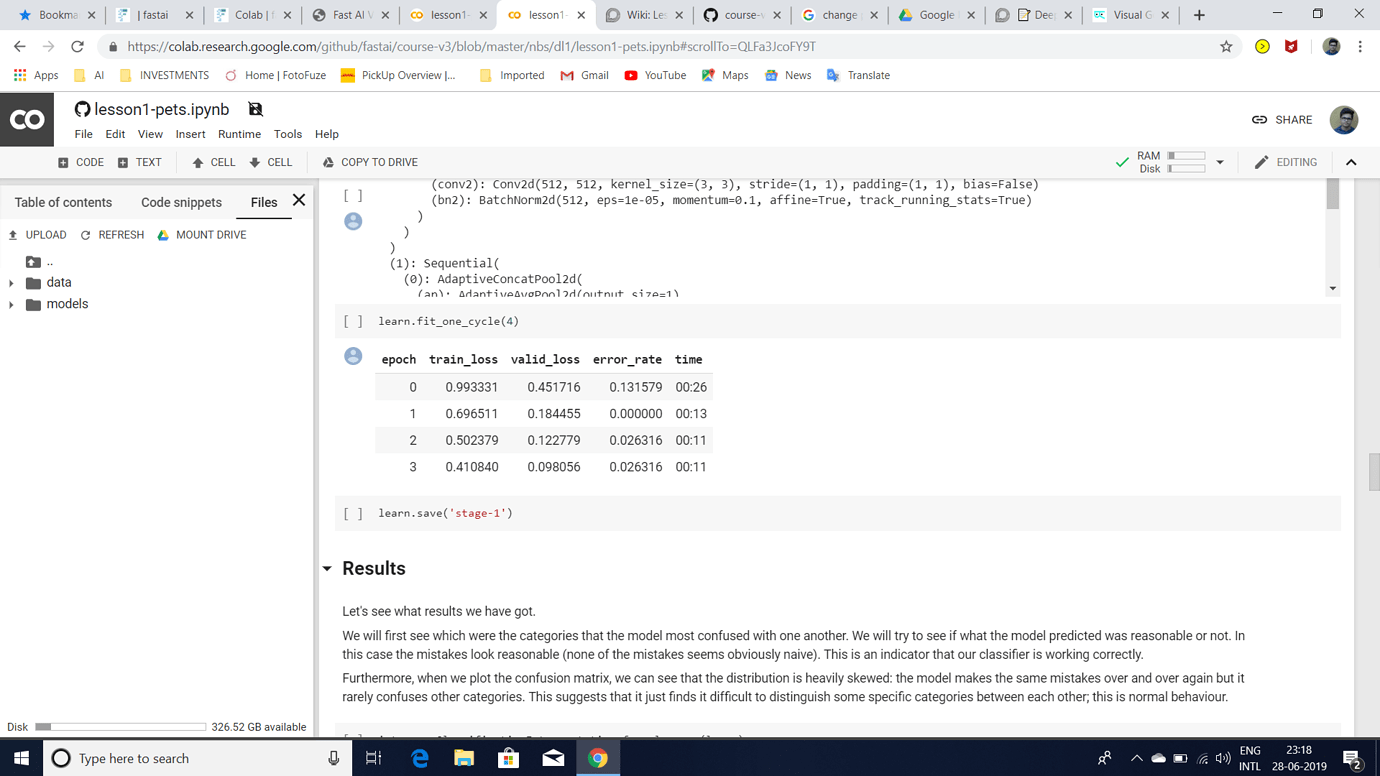
I was trying to build an Image Classifier to classify rugby vs american football images after watching Lesson 1 2019 video.I am getting an error rate of 0.02 but I have the following doubts:
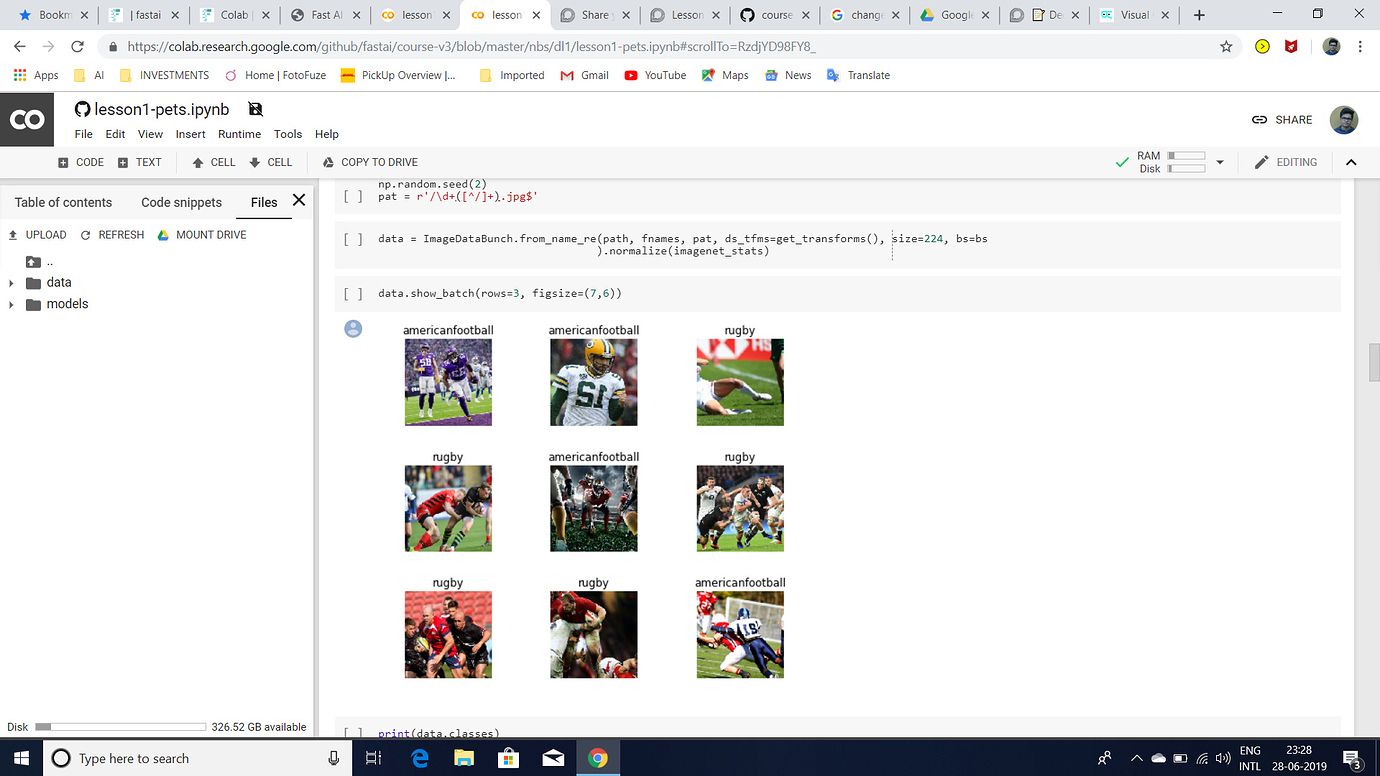
1.I have stuffed around 100 images each of American Football and rugby into a google drive folder and used the Path() function to specify the path of that folder as the path of my images.Is that the right way to specify a dataset?
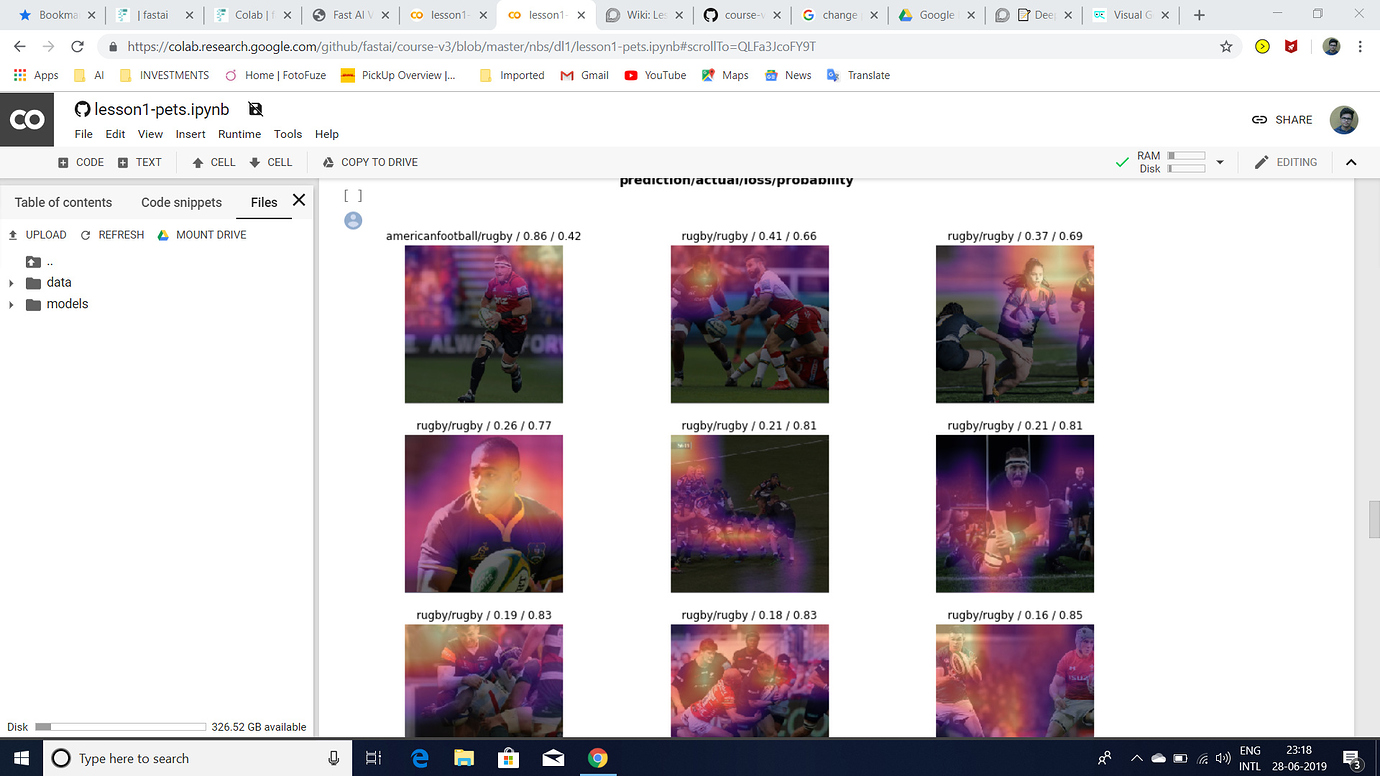
2.The most confused images(as attached) show that the model predicts rugby less confidently but actually it should have predicted rugby with a higher probability.Can someone please explain exactly what does that mean?
3.interp.most_confused(min_val=2) outputs [ ] .Is that the case for all datasets which have only 2 classes?
4.In the cricket vs baseball example(from the video),plot_with_title() was used but I am currently unable to use that function.Is the function still available?
If anyone could clear these doubts,it would be really helpful.
Thank You!
I have a question about your dataset. Doesn’t it need some pre-processing? I mean the images look very different on the preview: one vs. multiple players, face close ups vs. legs, etc.
Thank you for your reply.I will try to implement your idea and get back to you.Even I have my fair share of Doubts as I am a newbie.Only if these forums had mentors to answer our Doubts…
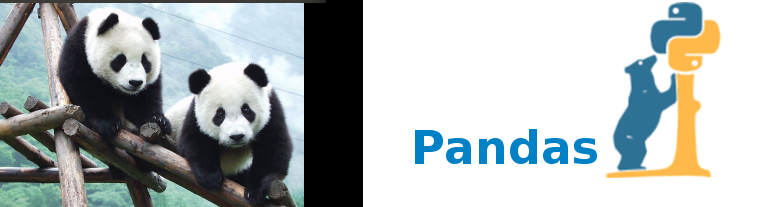
Used the exact same code to build a classifier of pandas and bears with an accuracy of 98.98%. Is this overfitting? I’ve never seen a number above 95 until now.
Just saw the sample pictures of the panda on your github notebook. It all has the face in it - and we know that the two black patches around its eyes is a distinctive feature ( at least for the human eye )
Here’s an easy way to check if it is over fitting. My 2 cents
Collect all pictures of panda ( not just its face ) , take the back side –
Test your model on these images
See which all panda pictures it fails ( but you are sure they are panda )
Add these into your training set ( as label = panda )
Repeat . This will make your model more robust and generalized.
eg: This is also panda ( even if does not show its face )
on a lighter note ,
panda + panda = python library.
Hey everyone,
I am a French architect and I just finished the first lesson of Fast.ai. Can’t hide that I’m very excited about this course! The material is great the community seems very positive and creative.
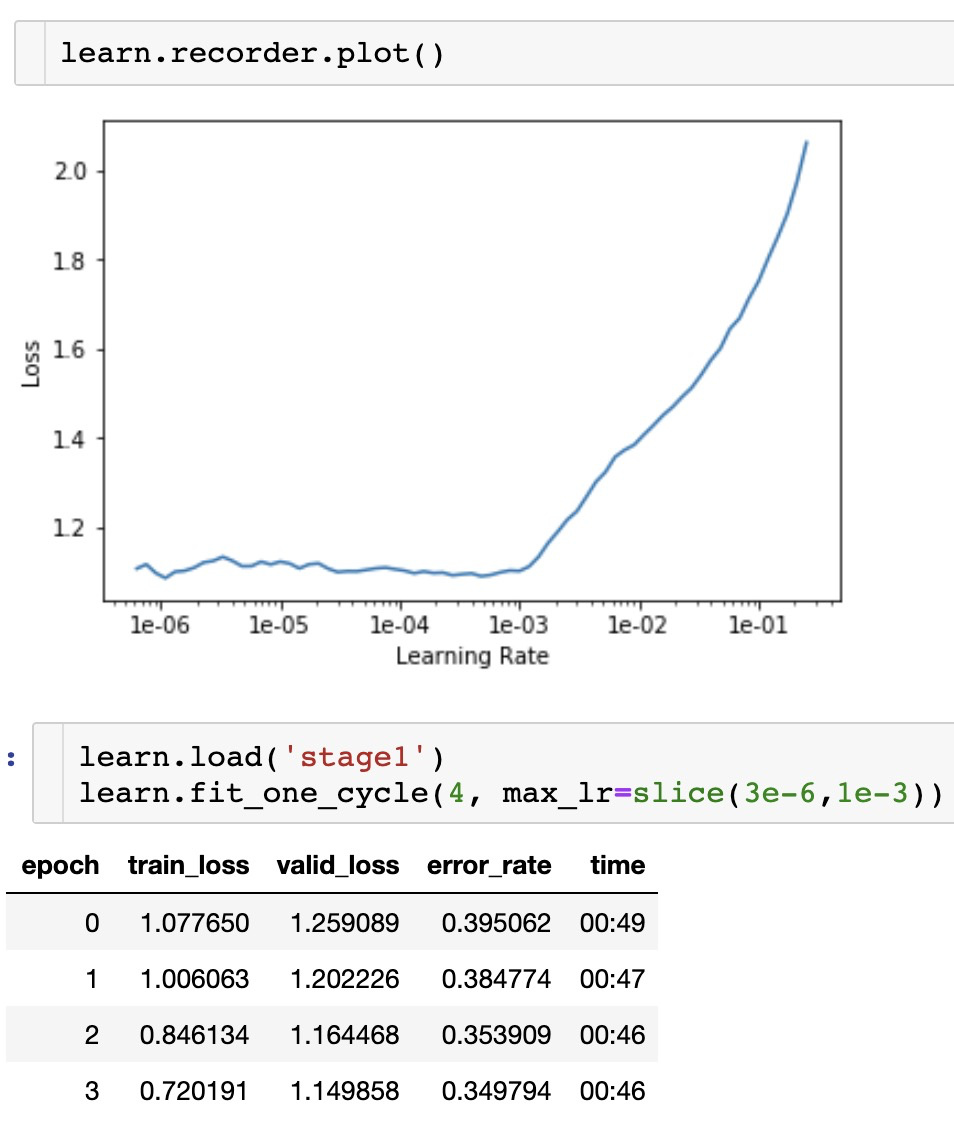
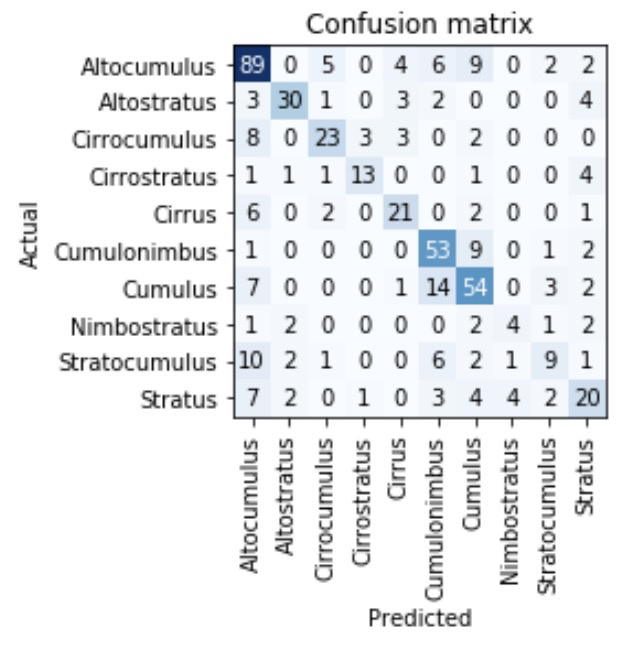
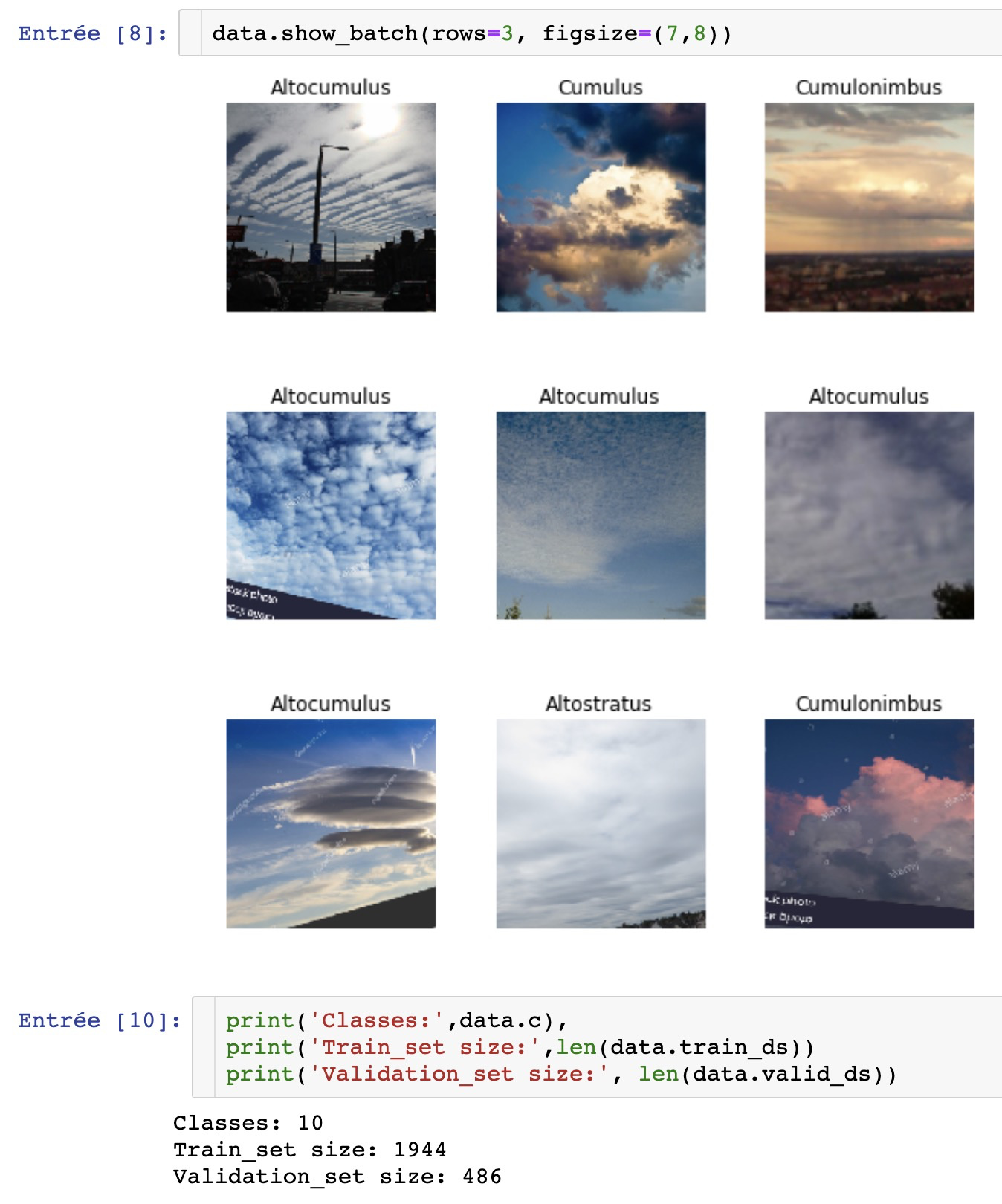
So for my first project I tried to train Resnet34 to recognise the different types of clouds.
Yes, .35 of error_rate is very far from the .04 in lesson 1.
My model not good at all to recognise clouds !
Here are my guesses for the reasons of this poor results:
It’s all in the Dataset building : Even searching for very specific types of clouds in google image often gave me results with other types of clouds.
So much that I decided to gather large quantities of urls for each types and then use python to remove automatically all urls not containing the specific name of the cloud. Which reduced largely the size of the dataset.
For example, the “Cumulus” name is often poorly used to name whatever could is in the picture so the dataset for this type might have been particularly noisy.
AI need human! : I am a human that cannot help the model when an image is poorly labeled because I can’t differentiate clouds So for the data cleaning widget I could only filter images that were not clouds.
So maybe I’ll restart from scratch my dataset with another gathering method. Maybe there is out there a good dataset for this task.
To cheer me up I went to Kaggle to play with one of their datasets.
I took the HAM10000 skin cancers dataset
I train the Resnet50 model to recognise the type diagnostic categories:
Actinic keratoses and intraepithelial carcinoma / Bowen’s disease (akiec),
Basal cell carcinoma (bcc)
Benign keratosis-like lesions
Dermatofibroma (df)
Melanoma (mel)
Melanocytic nevi (nv)
Vascular lesions (vasc).
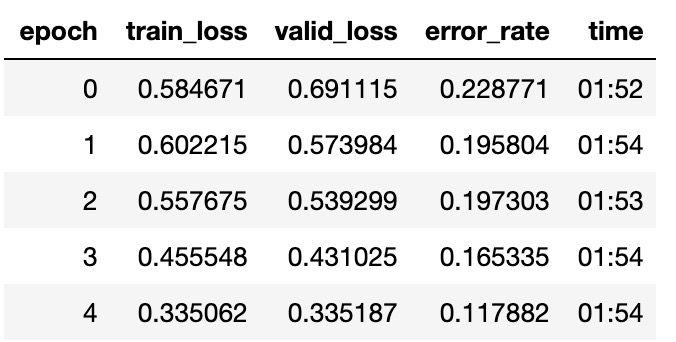
And got some pretty good results:
No far from the best kernel I found achieving .89 precision
And I was mainly training Resnet50 with the default parameters, I just played a little bit with the LR after unfreeze.
So the Fast.ai is indeed very powerful!
Thanks a lot to the team!
TL:DR
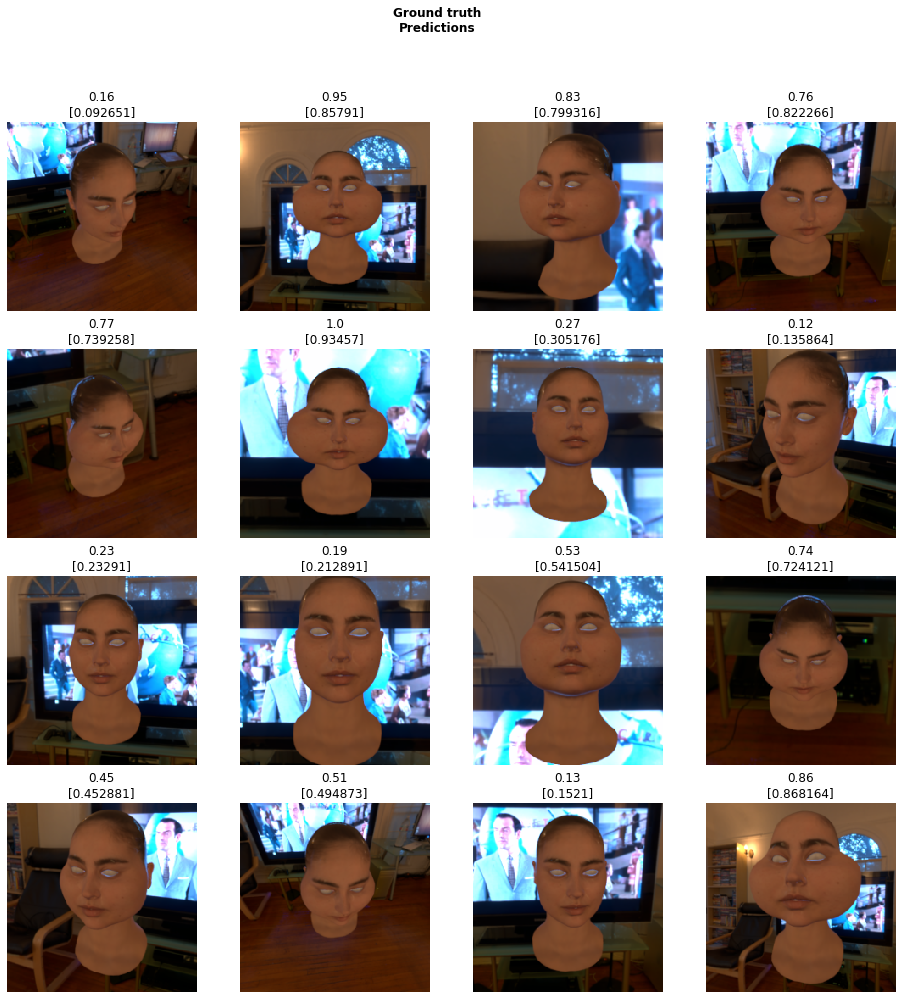
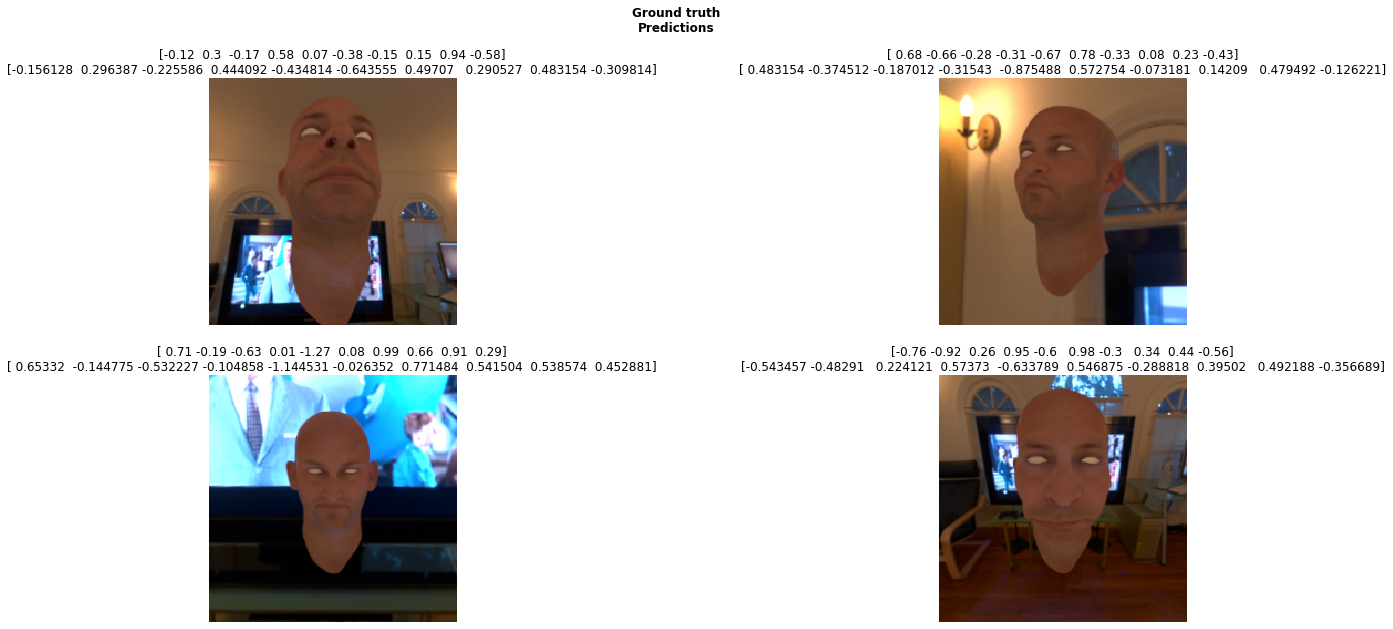
Blender randomises shapekeys -> renders to a np.array -> creates a list of floats for shapekey values -> passes to a panda dataframe (optionally pickles) -> passes to FastAI for a simple resnet50 MSELossFlat as sum
What features would you like to see in blender?
Hey guys, ZoVoS here,
This is just a quick Request For Comments on what I have been working on for the last few days.
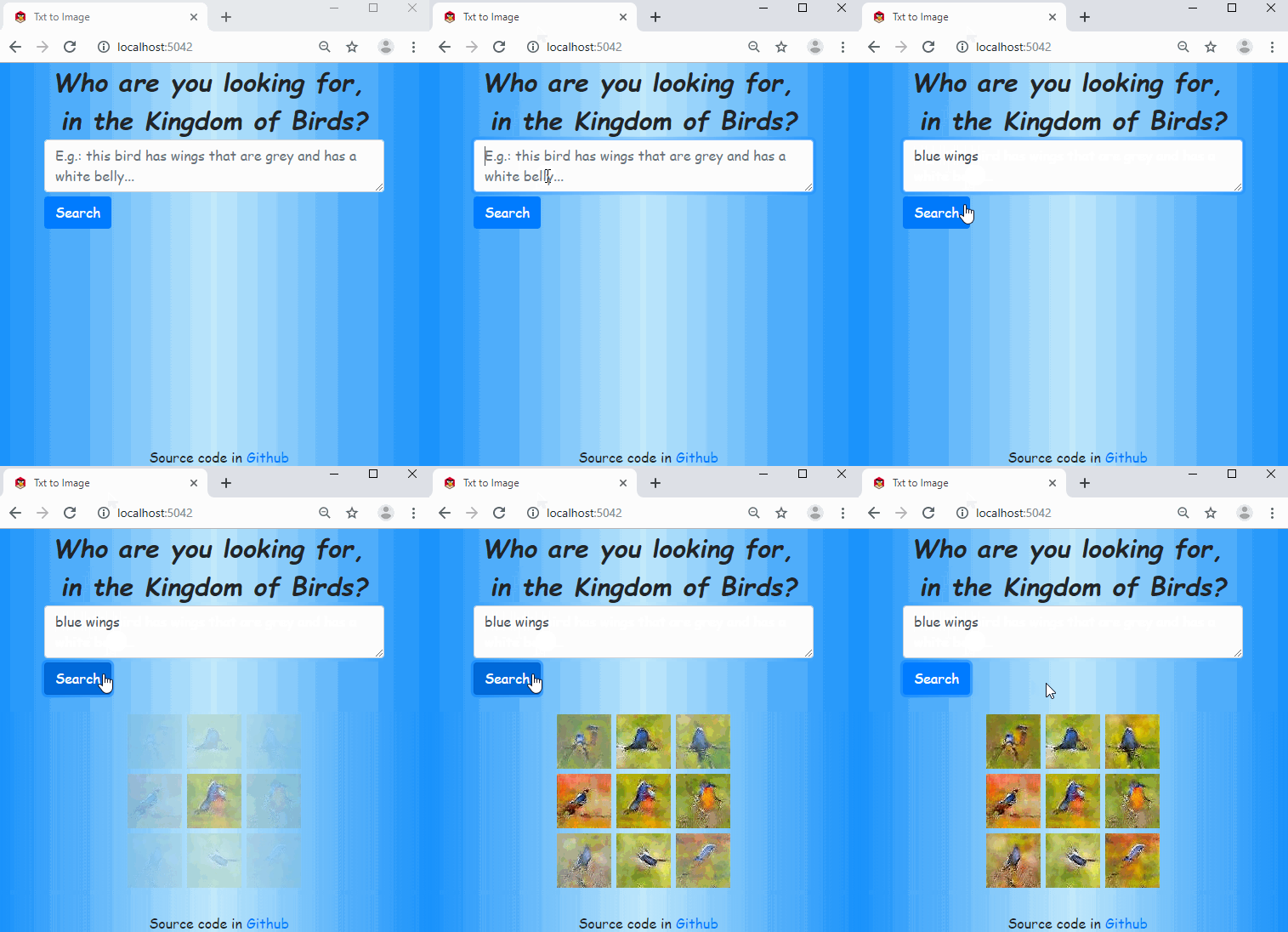
So I wrote a little python to integrate FastAI into my Blender install so I can train networks based on renders without program hopping. Currently they are only designed to regress data for shape key predictions, I estimate if I use enough HDRI backdrops and varied textures it should generalise to the real world.
I have only been looking into the topic for a week or 2 so I’m only up to video 8, I’ll save an in depth post until I’m done as I have no doubt there is tons left to learn. Just looking for comments or any tips that people think would benefit the test project
Currently I’m using a simple resnet50, eventually I’ll need some form of U to estimate the textures.
Before I clean up the code and make it fit for human consumption, I was wondering if you were to see FastAI incorporated into blender what features would you want access to?
I’m thinking with blender I should be able to calculate pose estimation if I feed the http://mocap.cs.cmu.edu/ data set into it and render it to a puppet using the bone rotations as training labels.
Also I should be able to knock up some form of single/parallax camera depth calculator using blender depth data in the alpha channel.
Anyhoo all comments are welcome. Thanks for your time.
So created an image recognition model using my friends and mine images(5 labels). I took 25 images from each of them and used it to train the model and achieved an accuracy of 87%. Can’t share the images of them but I do share my github repo link.



 I think at this point It would have been far quicker to learn it myself! ( minus the fun of trainning a CNN)