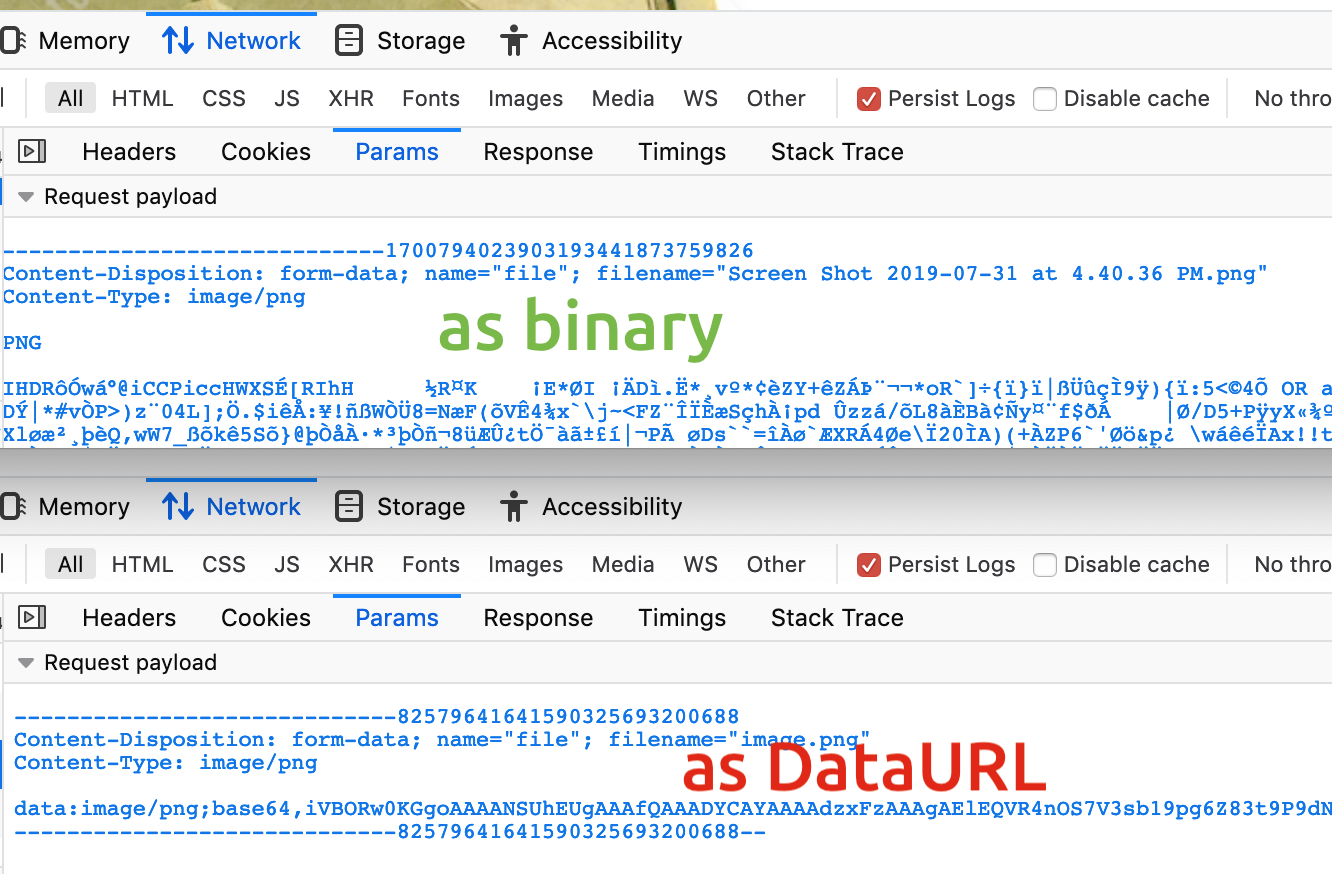
I’m crossposting this on StackOverflow because is not really about the course, but likely some of us will hit: Basically python PIL rejects to read an image you have resized with Javascript canvas
I resize an image on the client-side with Javascript:
var reader = new FileReader();
    reader.onload = function (e) {
        el('image-picked').src = e.target.result;
        el('image-picked').className = '';
        var image = new Image();

        //compress Image
        image.onload=function(){
            el("image-picked").src=image.src;
            var canvas=document.createElement("canvas");
            var context=canvas.getContext("2d");
            new_size = get_sizes(image.width,image.height,max_side_px)
            [canvas.width,canvas.height] = new_size;
            context.drawImage(image,
                0,
                0,
                image.width,
                image.height,
                0,
                0,
                canvas.width,
                canvas.height
            );
            console.log("Converted");

            //el('image-picked').className = 'no-display'
            //el('image-picked').src=""
            el('upload-Preview').className = ''
            el('upload-Preview').src = canvas.toDataURL("image/png", quality);
The result seems ok, less size, seemingly ok:
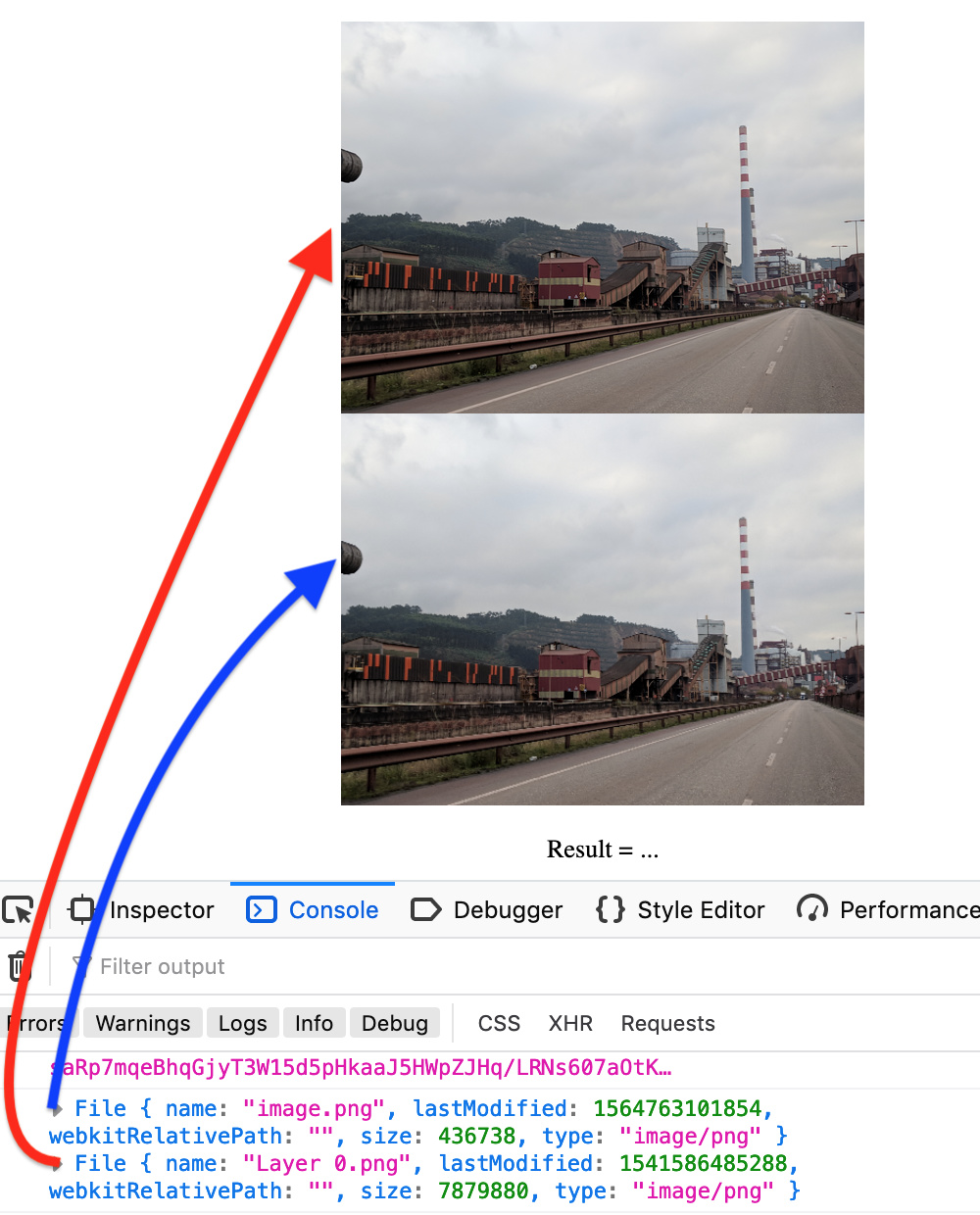
There are only minor differences on the files with
identify: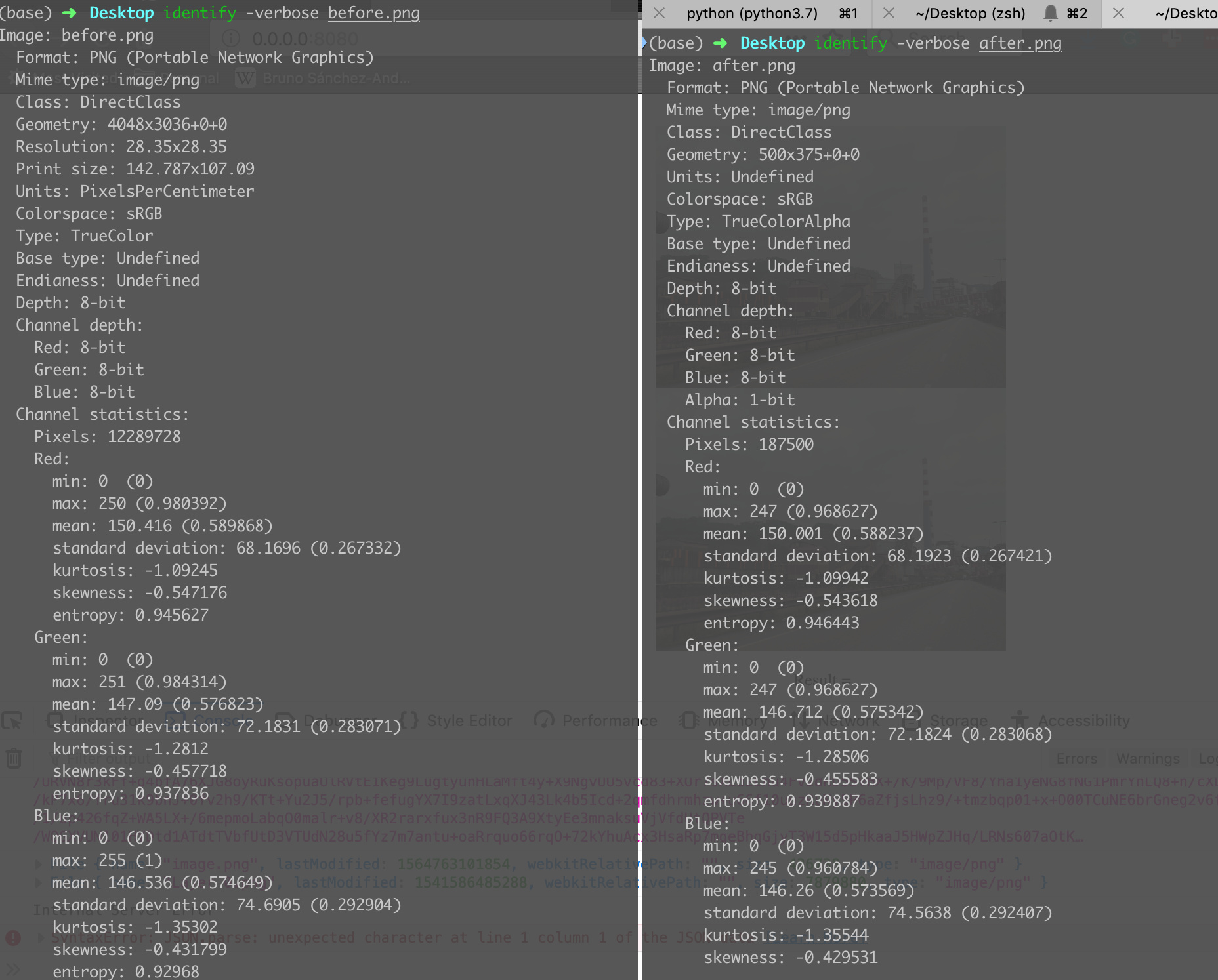
(base) ➜  Desktop file before.png after.png
before.png: PNG image data, 4048 x 3036, 8-bit/color RGB, non-interlaced
after.png:  PNG image data, 500 x 375, 8-bit/color RGBA, non-interlaced
Then I send the file via POST:
    var xhr = new XMLHttpRequest();
    var loc = window.location
    xhr.open('POST', `${loc.protocol}//${loc.hostname}:${loc.port}/analyze`, true);
    xhr.onerror = function() {alert (xhr.responseText);}
    xhr.onload = function(e) {
        if (this.readyState === 4) {
            var response = JSON.parse(e.target.responseText);
            el('result-label').innerHTML = `Result = ${response['result']}`;
        }
    }

    var fileData = new FormData();
    var file = new File([el('upload-Preview').src],
      "image.png", { type: "image/png",
                     lastModified : new Date()});
    fileData.append('file', uploadFiles[0]);
    xhr.send(fileData);
And then I read on the server with python open_image(BytesIO(img_bytes)) :
@app.route('/analyze', methods=['POST'])
async def analyze(request):
    data = await request.form()
    img_bytes = await (data['file'].read())
    img = open_image(BytesIO(img_bytes))
The above works without problems with any normal (non js processed) image, but it fails with any image that is the result of the resize with js, and the error is
File "/Users/brunosan/anaconda3/envs/fastai/lib/python3.7/site-packages/PIL/Image.py", line 2705, in open
    % (filename if filename else fp))
OSError: cannot identify image file <_io.BytesIO object at 0x124ce6360>```
I’ve tried canvas.toDataURL("image/jpeg", quality) on the JS side, and reading directly with PIL (not fastai, which calls PIL). It’s the same error