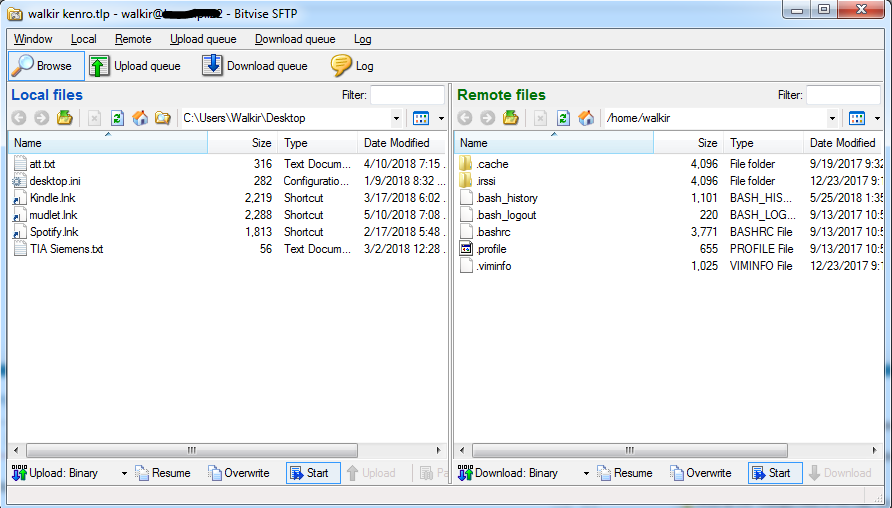
Very easy way to copy anything from your Windows PC to any remote server is to use SFTP, for example freeware tool like Bitvise SHH Client is supporting it.
https://www.bitvise.com/ssh-client-download
Using Bitvise you can connect (SSH) to your Paperspace and then choose New SFTP window

From there you can simply copy paste, drag and drop, or use any copying metod supported by Windows. Paperspace servers are quite quick so I had no problem moving even bigger data over there.